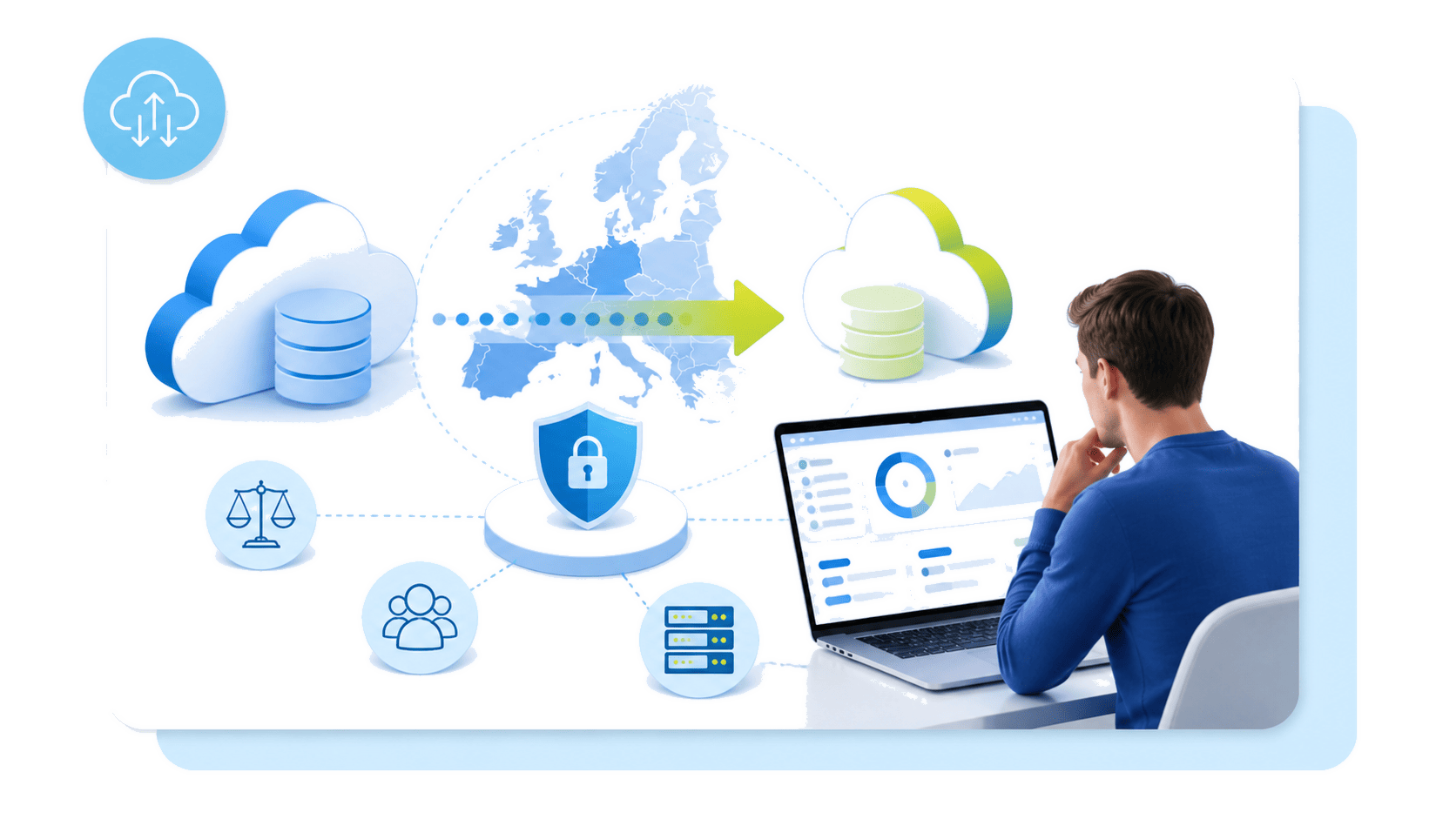
Migrate your Amazon S3-compatible Object Storage to European cloud infrastructure without changing your code.

Operational evidence for a controlled European migration

S3 compatibility is a scope to verify, not parity to assume
S3-compatible object storage
S3-compatible object storage preserves common operations such as creating buckets, writing objects, reading data and generating pre-signed URLs. It does not reproduce every behaviour of the original platform. An application may compile and connect while still depending on an unsupported API call, response format or SDK default.
OVHcloud coverage
OVHcloud Object Storage is a strong European S3 alternative for common production, backup and regulated-data workloads. Validate compatibility against the S3 API operations, SDK behaviour and service features your application requires. If a required dependency is unsupported, you may need to modify the code or operate the workload differently.
Inventory before data migration
Build an inventory before any data migration. Record each API operation, SDK and version, console workflow, retry rule, event dependency and bucket capability. Check lifecycle rules, replication, versioning, Object Lock, encryption, ACLs and CORS. Confirm that the required security and encryption model is available in the chosen region.
Real user behaviour
The review must reflect real user behaviour. Test representative object sizes, request concurrency, listing patterns and error handling. Performance should be measured from the application's deployment location in Europe, not inferred from a generic benchmark.
Change the destination through configuration
![[object Object]](https://assets.ovhcloud.com/1fidr4b7jqCFj4jnbgqp3uvAq_sOWQ3NzkyNTA4NjcyNzhm/17576f1b-edc4-4d41-b393-2ead204a259d_ima_9075f10f.png)
Select a transfer method that matches the operating requirement
Copy objects
with rclone
Use rclone to transfer object sets between the source and destination service. Preserve supported metadata where possible, control concurrency, and compare checksums or listings afterwards. Schedule enough time for retries and reconciliation.
Retain backup management
Certified or compatible backup software is more suitable when catalogue, retention, restore sequencing and policy enforcement matter more than a raw copy. Validate protection and recovery through the same product workflow used in production.
Use native
transfer tools
The CLI or MinIO mc can create controlled, scriptable copy jobs. Restrict access credentials, capture logs and ensure failed objects can be identified and replayed without restarting the complete transfer.
Choose the required location
Select France, Germany or another available European region according to residency, latency and compliance policy. S3-compatible object storage in Europe still requires location-specific checks for service availability and organisational access controls.
Provision the destination as code
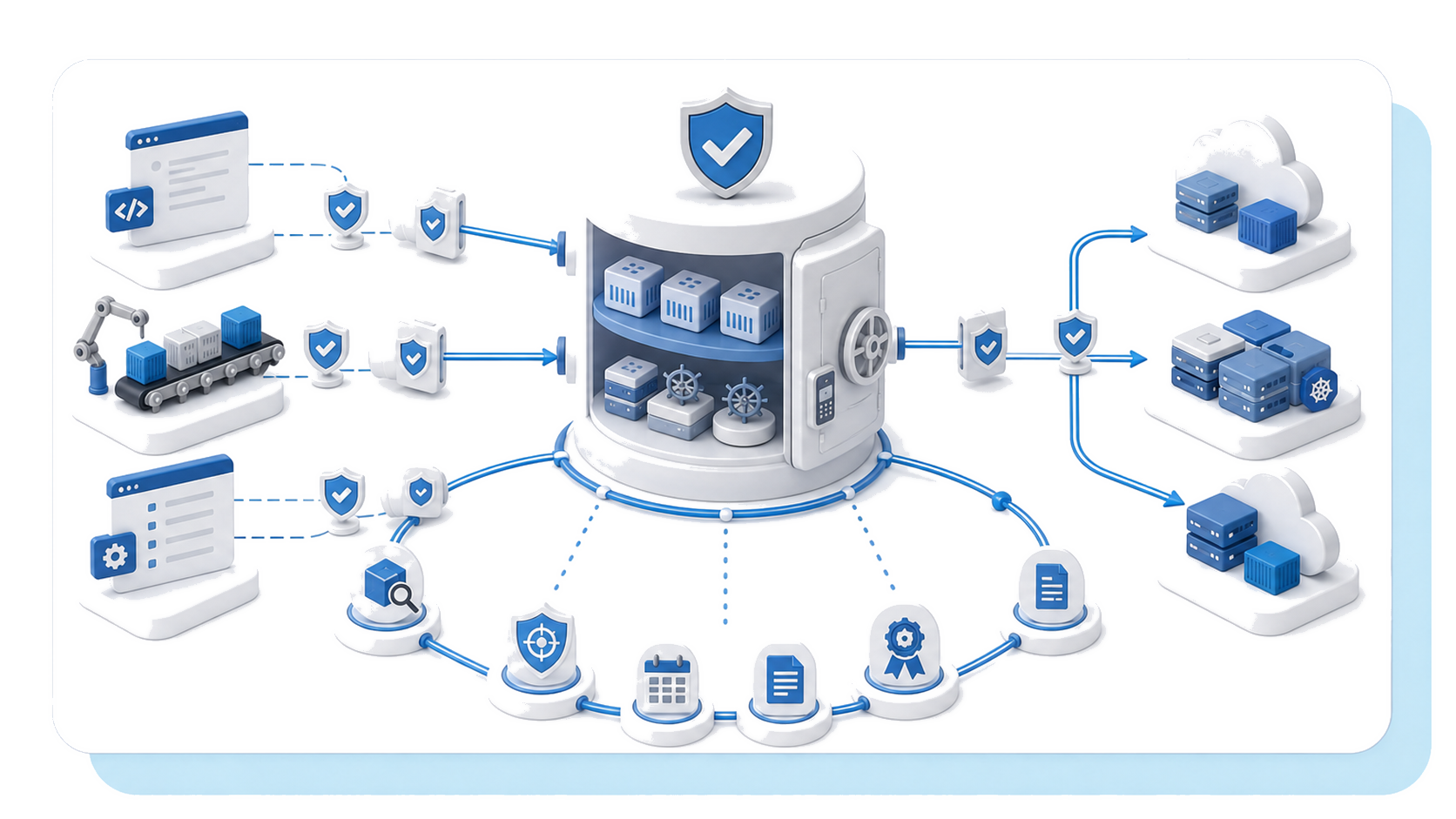
Run the migration through four controlled stages
1. Provision the
destination
Create the bucket, access policies and required settings with Terraform or the CLI. Record the OVHcloud region, storage class, versioning and retention configuration. Keep infrastructure definitions under review so the deployed solution matches the approved standard.
2. Transfer while the source remains authoritative
Copy objects with rclone or other supported tools. Keep production reads and writes on the source provider during the initial transfer. Plan for source egress, temporary storage, tooling and labour in the migration cost. Destination Object Storage egress is free, but the overall project is not.
3. Verify data
and behaviour
Compare object counts, total sizes, checksums, metadata and representative reads. Exercise multipart uploads, lifecycle actions, access controls and restore operations where relevant. Investigate every mismatch rather than accepting a sample that hides risk.
4. Cut over with a rollback window
Pause writes or reconcile changes made after the first copy. Update credentials and the endpoint, then switch traffic in a controlled window. Monitor error rates, request latency and application logs. Retain the source and a documented reversal path until acceptance criteria are met.
Evaluate jurisdiction, operations and costs