Online portfolio
Create a professional and customised online portfolio

Create a portfolio website that reflects who you are
Customised domainOnline galleryFreedom
Creating an online portfolio allows you to showcase your projects, skills, photos and achievements on a website that you own. Build a clear homepage, a gallery and pages dedicated to each of your projects. Edit the layout, design, logo, images and text to reflect your professional style. A free platform can help you get started, but your own domain name strengthens your identity. This creation tool is easy to customise and allows you to control the content, presentation and development of your portfolio without being limited by a third-party portfolio platform.
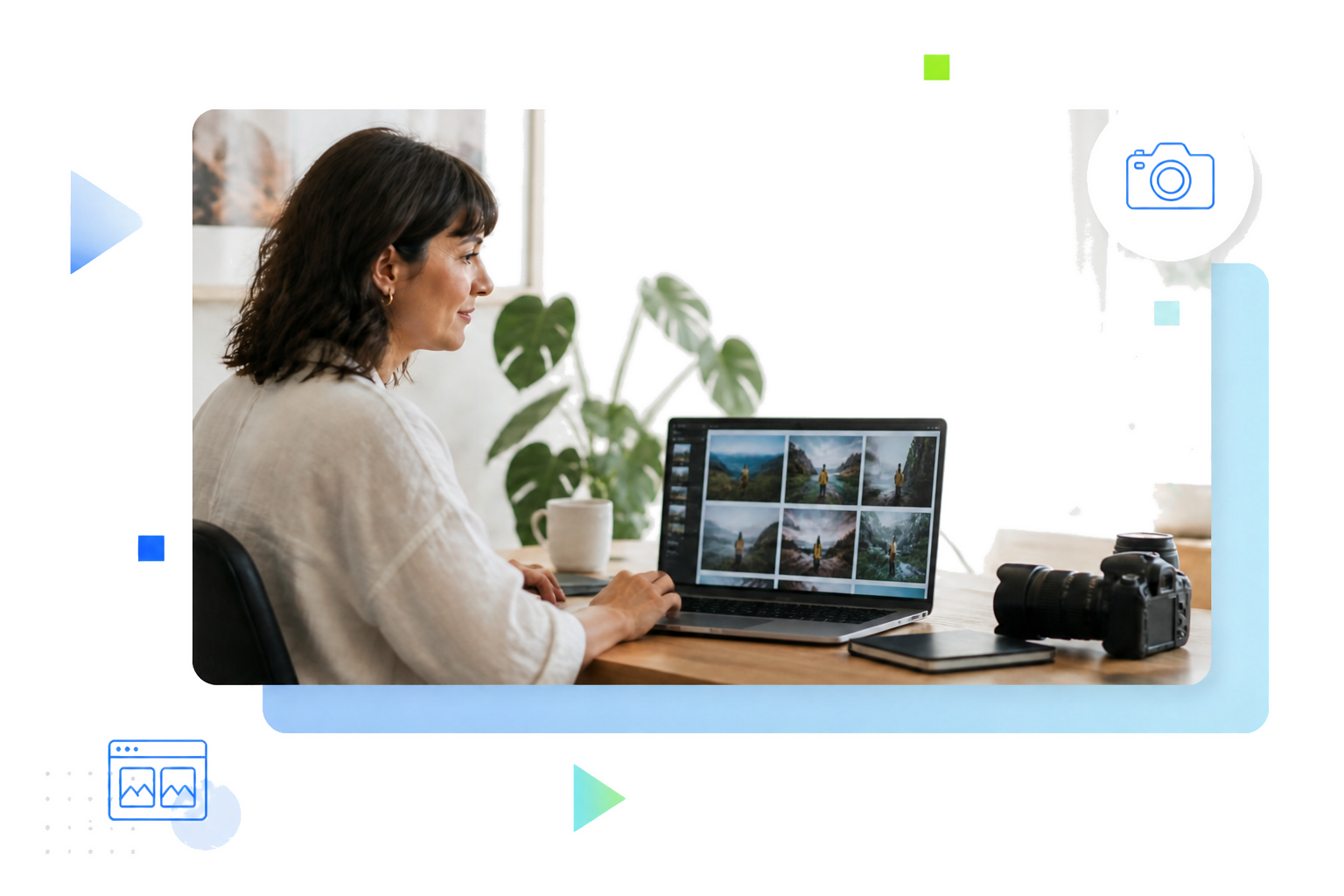
A complete web pack to create and develop your portfolio
Present your projects through images
Get 100 GB of storage for your photos, videos, illustrations, projects and other portfolio content.
Enhance your professional identity
Link your portfolio to a domain name and branded professional email addresses.
Develop your content hassle-free
Automatic backups make it easy to restore your site after an error or deletion.
Publish your portfolio online with WordPress
WordPressCMSResponsive design
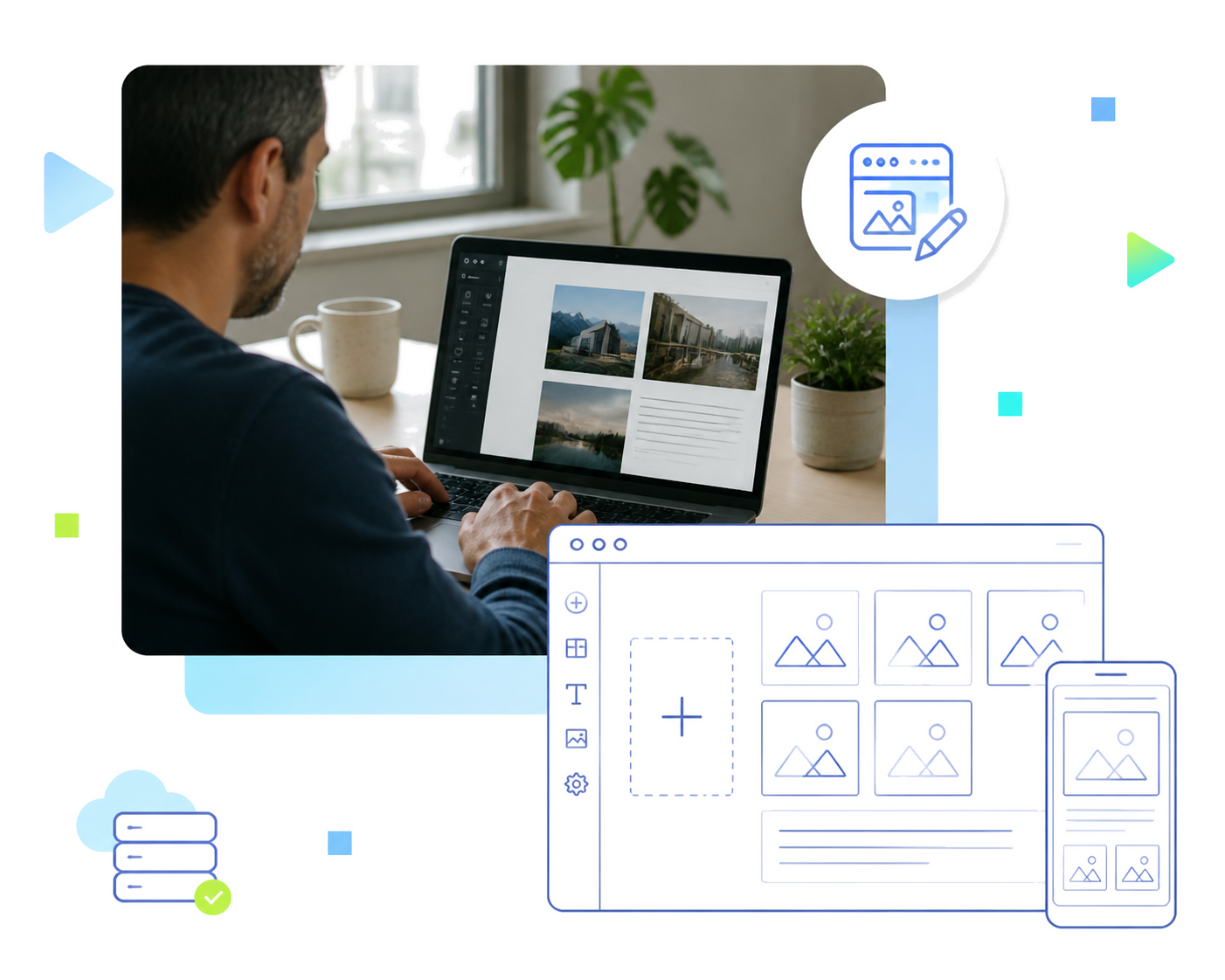
To publish a portfolio online with OVHcloud, choose a web hosting plan that suits your needs, then a domain name. Then install your WordPress website in 1 click and select a theme that fits your business. Add your text, photos, videos and projects, then organise the pages in a way that makes navigation easier. Check the display on desktop, tablet and mobile before going live. A responsive design and a simple structure make every project easy to view. You can then customise your portfolio, add new pages or features and develop your work without starting from scratch.
Transform your achievements into advantages
Case studiesFormProspecting
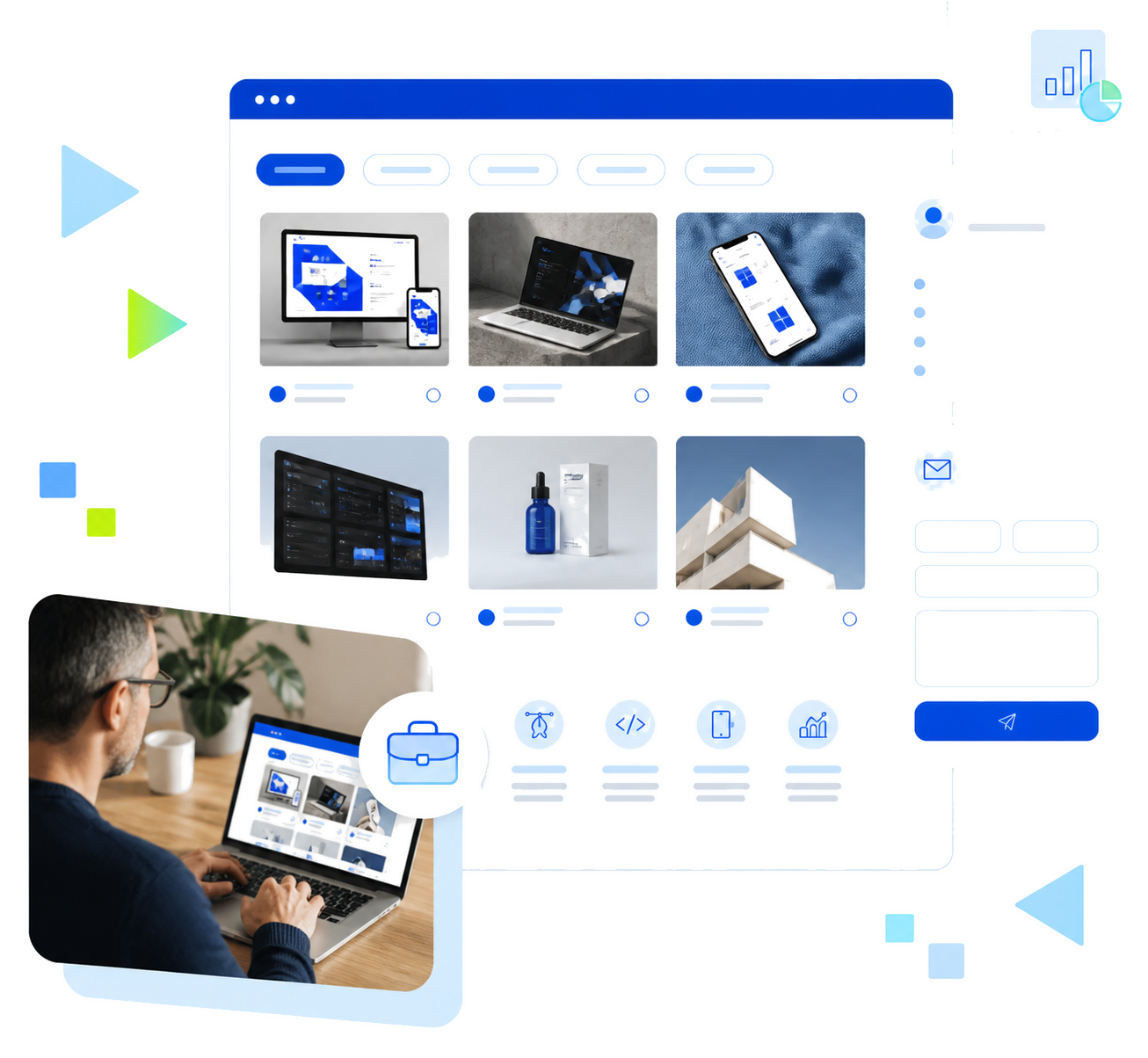
A professional portfolio should not just show your work: it should explain your value. Select your best projects and for each one describe what was needed, your role, the skills used, the process and the result. Tweak the web design, colours, fonts and the order of elements to create a unique identity. Add a contact form, calls to action and a clear overview of your services, products or offers. Simple navigation between the home page, your projects and your profile transforms your portfolio website into a real prospecting tool.
For a photographer or an artist, the portfolio must prioritise images without slowing down the website. Organise your works by theme, technique, client or time period, then add a short description to explain the background and the value of each project. A video can showcase an exhibition, the behind-the-scenes of a session or your creative process. Control the quality of the visuals, their format, their colour and how they display on mobile. A simple layout, a consistent domain name and a recognisable style make your professional portfolio even more memorable. Create a gallery dedicated to each collection, add an illustration or text when it adds context, then easily share your website with clients, schools or your community all over the world. The content must remain connected to your work, without adding too many unnecessary effects.
A graphic designer or creative could present their projects in the form of case studies. Explain the problem, the research, your perspective, the web design decisions and the deliverables. When several people are involved, specify your role and the skills you used. Mock-ups, prototypes, illustrations, brand identity and final achievements can all come together to create a narrative that is quick to read through. Organise each project in a new tab or a dedicated page if it improves readability. Consider details such as font, colour, logos, grids, image format and consistency between pages, so that your online portfolio becomes a clear presentation of your methods, your style and your professional identity. It can also be used to show a product creation experience, an interface or your graphic design work without turning the site into a complex demonstration.
A freelancer portfolio must help potential clients quickly understand your services, your skills and the value of your work. Present your offers, then link each service to a project, an achievement or a specific example. Add authorised testimonials, factual results and an easy-to-find contact form. Email addresses linked to the domain name strengthen your professional image and make contacting you easier. Also set out your areas of expertise, the way that you work and the needs you address. If your business develops towards an online shop, a blog, online bookings or new products and services, your portfolio website can grow with you without losing its identity. A well-structured freelancer’s portfolio can become a real commercial tool, and not just a gallery of work.
A student or a job applicant can create a portfolio even with little professional experience. Select your past school, personal, voluntary or internship projects and describe their objectives, the skills you used, the difficulties you encountered and the results obtained. Add your CV, a short overview and, if it supports your application, a cover letter. Mention the tools you are proficient in, your role in group projects, the elements you were responsible for and what you would improve today. You can also showcase a personal project or a creation made with a free tool to show your progress. Clear navigation, a simple page and a mobile-friendly display all make it easy to share the portfolio with a school, a company or a recruiter. The goal is to show your potential, your experience and how you have developed.
For a photographer or an artist, the portfolio must prioritise images without slowing down the website. Organise your works by theme, technique, client or time period, then add a short description to explain the background and the value of each project. A video can showcase an exhibition, the behind-the-scenes of a session or your creative process. Control the quality of the visuals, their format, their colour and how they display on mobile. A simple layout, a consistent domain name and a recognisable style make your professional portfolio even more memorable. Create a gallery dedicated to each collection, add an illustration or text when it adds context, then easily share your website with clients, schools or your community all over the world. The content must remain connected to your work, without adding too many unnecessary effects.
The essentials for your portfolio
All the services needed to publish and develop your work
100 GB SSD and automatic backups
For hosting your projects, photos, videos and other content, with automatic backups.

Domain name and email addresses included
To strengthen your professional identity and interact with clients, recruiters or partners.

1-click CMS and integrated security
WordPress, Joomla!, Drupal or PrestaShop with SSL, anti-DDoS protection, antivirus and anti-spam.
Frequently asked questions about creating a portfolio
Which tools should I use and what are the best websites for a portfolio?
Which tools should I use and what are the best websites for a portfolio?
To choose a portfolio creation tool, compare its customisation options, prices, domain names, designs, mobile displays, features and the support resources. A WordPress website can grow with your pages and your projects. A free portfolio or a free trial can help you get started, but check its limitations, advertising settings and paid options before publishing your portfolio website.
Can you create an online portfolio for free?
Can you create an online portfolio for free?
A free solution can allow you to test a portfolio or easily get started, but it be limited in storage, your choice of domain name, customisation options or certain features. For a professional portfolio, compare these limitations with your needs, such as the volume of photos and videos you need, personalised web address, professional emails, security features and site development opportunities.
How do I publish my portfolio and make it appealing?
How do I publish my portfolio and make it appealing?
To publish an attractive portfolio, select your best work and add a short text to each project: its context, your role, the skills involved and the result. Work on the layout, images, style and navigation. Check how it displays on mobile, add a contact form and keep your content up to date. After publication, share the link on your social media and professional profiles.
How do I become visible in search engines?
How do I become visible in search engines?
To improve the visibility of your portfolio in search engines, give each page a descriptive title and create original content. Add alt text to images, reduce file sizes and clearly link your homepage, your projects and your contact details. A simple domain name also makes sharing easier. Regularly publishing useful content helps search engines better understand your site.
How do I customise an online portfolio?
How do I customise an online portfolio?
Customise your portfolio with a colour palette, fonts, a logo and a layout that are consistent with your business. Adapt the template, the homepage and the galleries according to your projects. Add only useful features depending on your needs, such as a contact form, video, blog or online shop. The website design needs to showcase your work without making navigation complicated.
What steps should I follow to create an online portfolio?
What steps should I follow to create an online portfolio?
Start by outlining the objective and audience for your portfolio. Then choose a platform, a domain name and a template, then add your best projects. Add the necessary images, videos, text and contact details, customise the design and test all your pages on mobile. Finally, publish your portfolio, share your address, and regularly update your work.