VPS with Node.js
Node.js hosting with VPS: deploy quickly, scale freely
Scale the vCPUs, RAM and NVMe SSD storage according to the load of your Node application, without rethinking its architecture.
Configure the offer that meets your technical requirements.

Go from code to online service
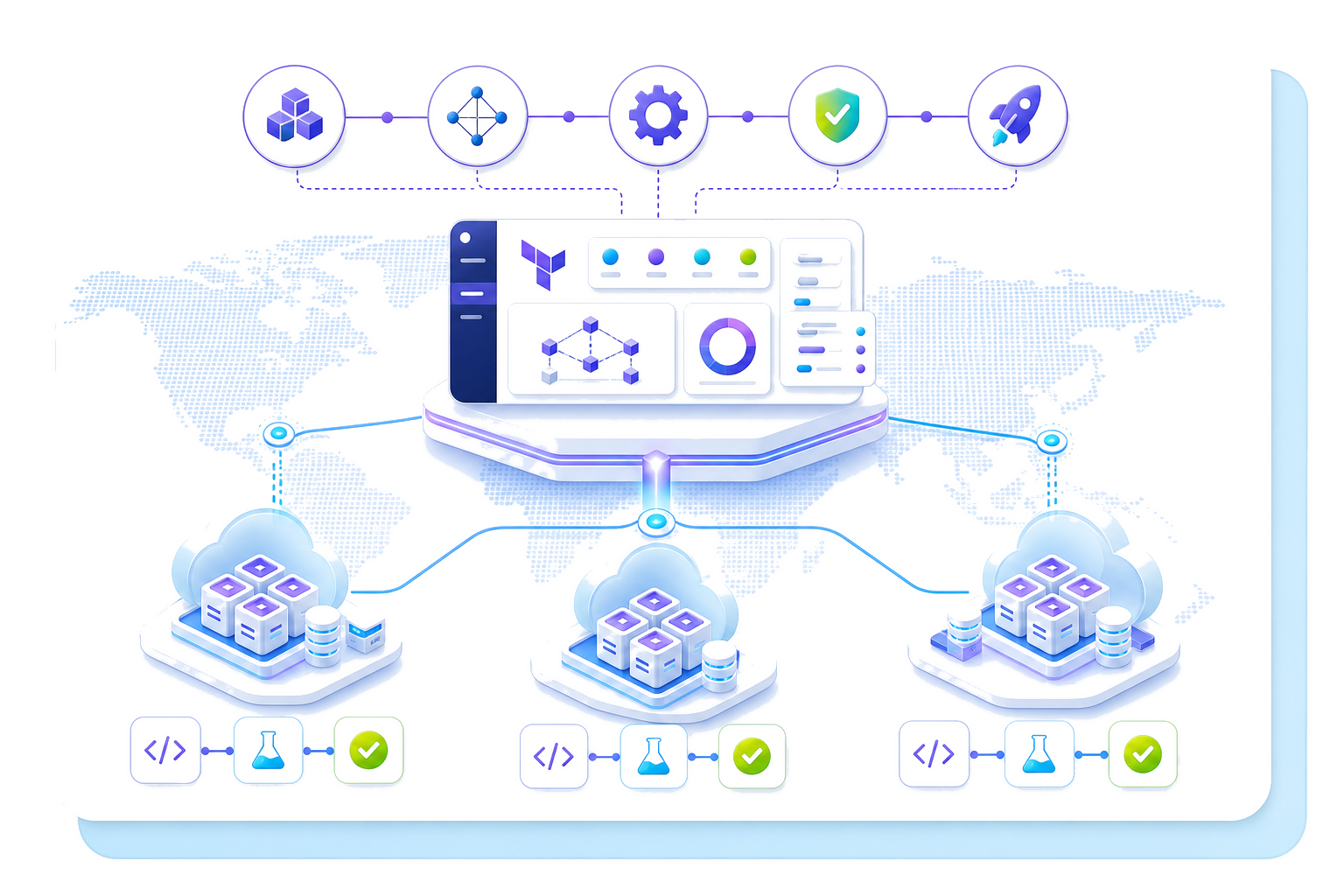
Continuous deployment automates updates from your code repository. It thus reduces manual command-line operations and makes each publication reproducible.
Your VPS offer includes unlimited traffic and public bandwidth up to 2 Gbit/s. This unlimited traffic bandwidth does not, however, constitute a permanent guarantee of maximum throughput.
Our VPS Servers compatible for Node.js
VPS-1
From
$4.54
/month
Specifications:
2 vCores
4 GB RAM
40 GB SSD NVMe
Daily backup of the previous 24 hours
VPS-2
From
$8.50
/month
Specifications:
4 vCores
8 GB RAM
75 GB SSD NVMe
Daily backup of the previous 24 hours
VPS-3
From
$12.32
/month
Specifications:
6 vCores
12 GB RAM
100 GB SSD NVMe
Daily backup of the previous 24 hours
VPS-4
From
$23.37
/month
Specifications:
8 vCores
24 GB RAM
200 GB SSD NVMe
Daily backup of the previous 24 hours
Maintain control over location and environments
Data hosted in the European Union
VPS hosting for Node.js keeps your data in the European Union, in line with compliance with the General Data Protection Regulation (GDPR). This location facilitates their governance, traceability and confidentiality. Sovereign data does not eliminate all risk, but clarifies the territorial and legal framework of the service.
A pre-production environment isolated from production
Cloning creates a pre-production environment to test a Gitflow branch, a Node dependency, a .js file or a WooCommerce update without affecting the public service. Production remains separate during functional and technical validations.
This organisation limits improvised changes and facilitates the application of your access, control and confidentiality rules.
Structure the lifecycle of your web applications
A common language from the interface to the server
Node.js extends the use of JavaScript to server-side processing. Teams can thus share certain skills, validation rules and data structures between the front end and the back end. This continuity reduces context switching, while maintaining a clear separation between the interface, business logic and data.
Its asynchronous model allows an application to continue other operations while waiting for a database or a remote service. It meets the needs of APIs, collaborative tools, notifications and web services that handle numerous simultaneous exchanges.
Distinct environments right up to deployment
Development, pre-production and production fulfil complementary functions. The team first writes and checks the code in its working environment. She then uses a cloned pre-production environment to verify dependencies, configuration variables, migrations and essential journeys under conditions close to the public service.
To install Node.js on a VPS, she selects a compatible version, restores the required modules and defines the start command. The same validated version then joins production, which limits behavioural discrepancies and makes releases more predictable.
An infrastructure consistent with every use case
A VPS machine is suitable for an API, a back-office, a real-time application or a service responsible for frequent exchanges. Cloud infrastructure can support their development without imposing a new architecture with every variation in activity.
A WordPress site follows a different logic, centred on its content management system, its extensions and its database. Distinguishing these architectures helps to choose an environment faithful to the project's actual operation and to organise its long-term operation.
The concrete advantages of your VPS for Node.js


Size your Node.js VPS according to your needs
Understand the role of each resource on your VPS
vCPUs execute code, process requests and handle background tasks. Complex calculations or numerous simultaneous exchanges place greater demand on this capacity. RAM maintains Node.js processes, loaded dependencies and temporary data necessary for their operation. Insufficient memory can slow down the application or interrupt certain processes.
NVMe SSD storage hosts the system, code, logs and files. Its speed facilitates reads and writes, without correcting a poorly structured database. The front end also influences the load when it multiplies calls to the server.
Base your choice on the load profile
Measure concurrent connections rather than just cumulative traffic. Also examine code complexity, scheduled processing, task queues, data volume and file access frequency. A showcase site connected to a few services presents a different profile from an interactive platform that continuously requests its API.
The name or category of the project therefore does not determine its requirements. Knowledge of active user journeys, peak periods and expected growth provides more reliable benchmarks. A frequently consulted FAQ can remain lightweight, while a discreet private area can execute costly operations.
Adjust the capacity of your VPS based on the indicators
Start with a configuration consistent with the anticipated load. Then monitor vCPU and memory usage, remaining space, response times and errors. These observations indicate which capacity to scale without redesigning the project.
Increase performance when sustained saturation appears, then measure again. You can thus distinguish an infrastructure limit from a code or database defect. The expression "node lymphatic" does not refer to any Node.js component and therefore provides no useful information for sizing.