Online store
Create an online store to sell your products

Create an E-commerce site with a smooth purchasing journey
CatalogueBasketSecure Payment
Creating an online store allows you to sell your products on your own E-commerce site, in addition to a physical shop or marketplaces. You choose the countries served, the delivery methods and the items offered. From the product page to payment, every step must be clear: features, price, stock, delivery costs, basket and order confirmation. A mobile-friendly site helps customers compare items and finalise their purchase. With OVHcloud web hosting offers, you install WordPress in 1 click (PrestaShop from the Pro offer) and secure transactions with a free SSL certificate.
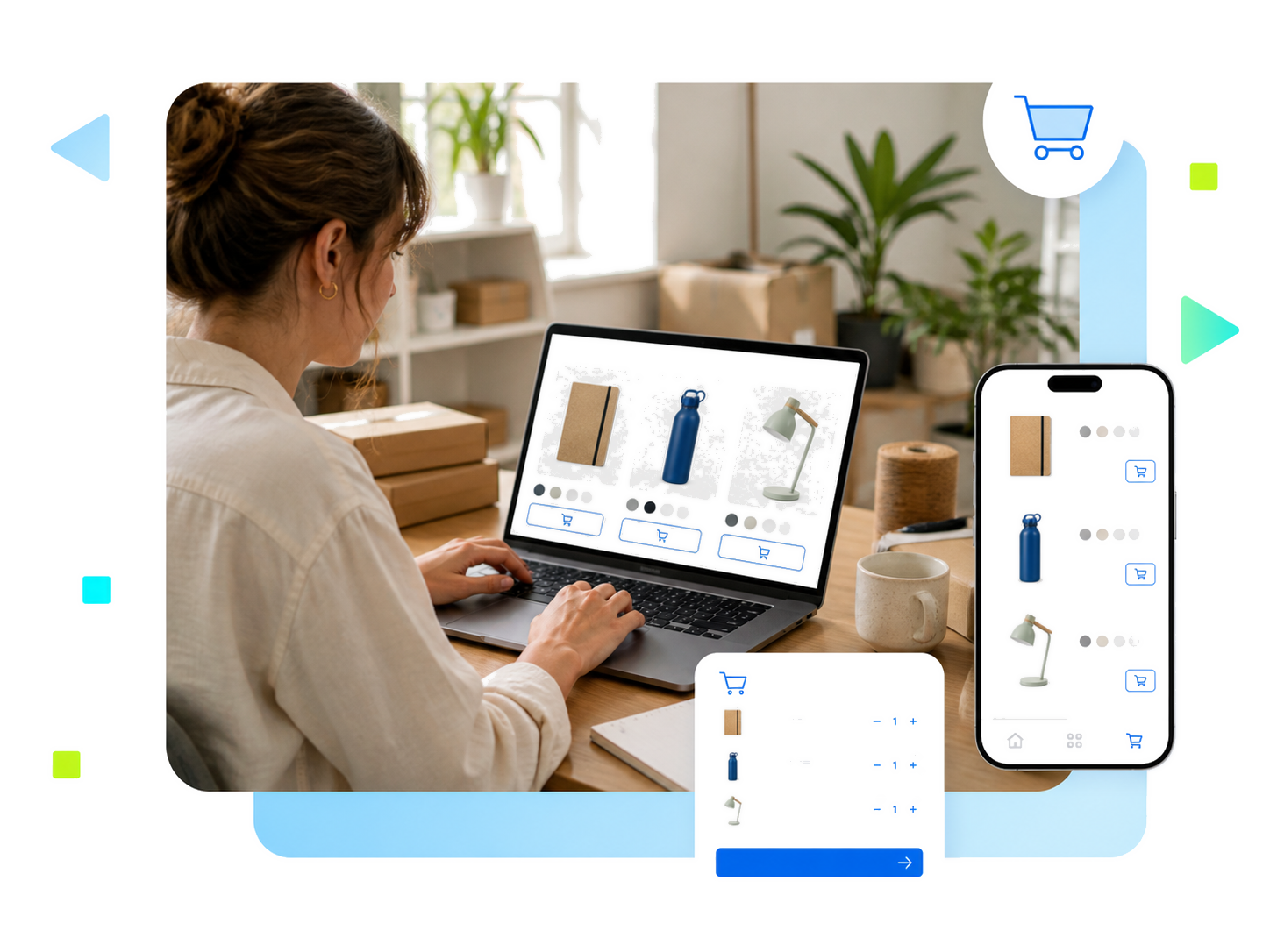
Making E-commerce a simple channel to manage
Selling beyond your local area
Present your products online and deliver to all areas covered by your business.
Manage your store from a single place
Organise your catalogue, stock, orders and customer emails from your e-commerce solution dashboard.
Scale without changing your host
Start with an offer adapted to your catalogue, then upgrade to a higher offer when traffic and sales increase.
Give your shop a recognisable domain name
Domain nameSEOSocial networks
A short domain name that is easy to spell and consistent with your brand helps customers find your shop and trust it. Use the same identity for your professional email addresses, packaging and social networks. Categories and product pages must match what your customers are looking for. Explicit titles, original descriptions and links between products and content help search engines discover your catalogue. SEO is prepared from the moment the site is created, without sacrificing information useful for purchasing. Your e-commerce site remains the central point of your offer and customer relationship.
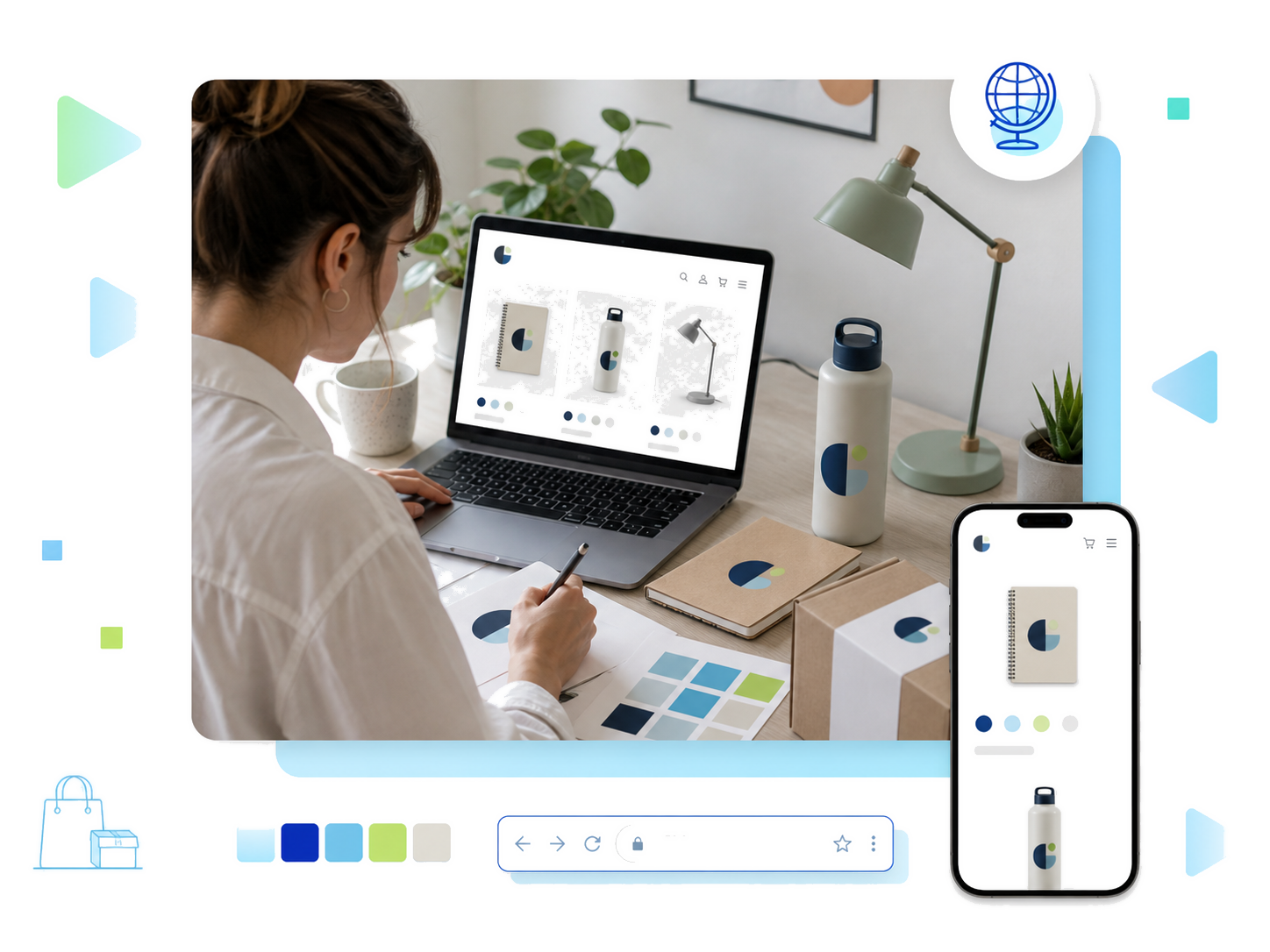
Prepare your offer and logistics before launching
Market researchProductsDelivery
Before launching your shop, market research helps to assess demand, competition and acceptable prices. Defining your clientele, your suppliers and an initial selection of items gives a concrete framework to the project. The budget must include the purchase or manufacture of products, storage, packaging, shipping, returns and transaction fees. These elements are used to estimate the margin per order, beyond just turnover. A simple launch plan also specifies the countries served, lead times and after-sales service. The technical solution then supports this organisation, without replacing it.
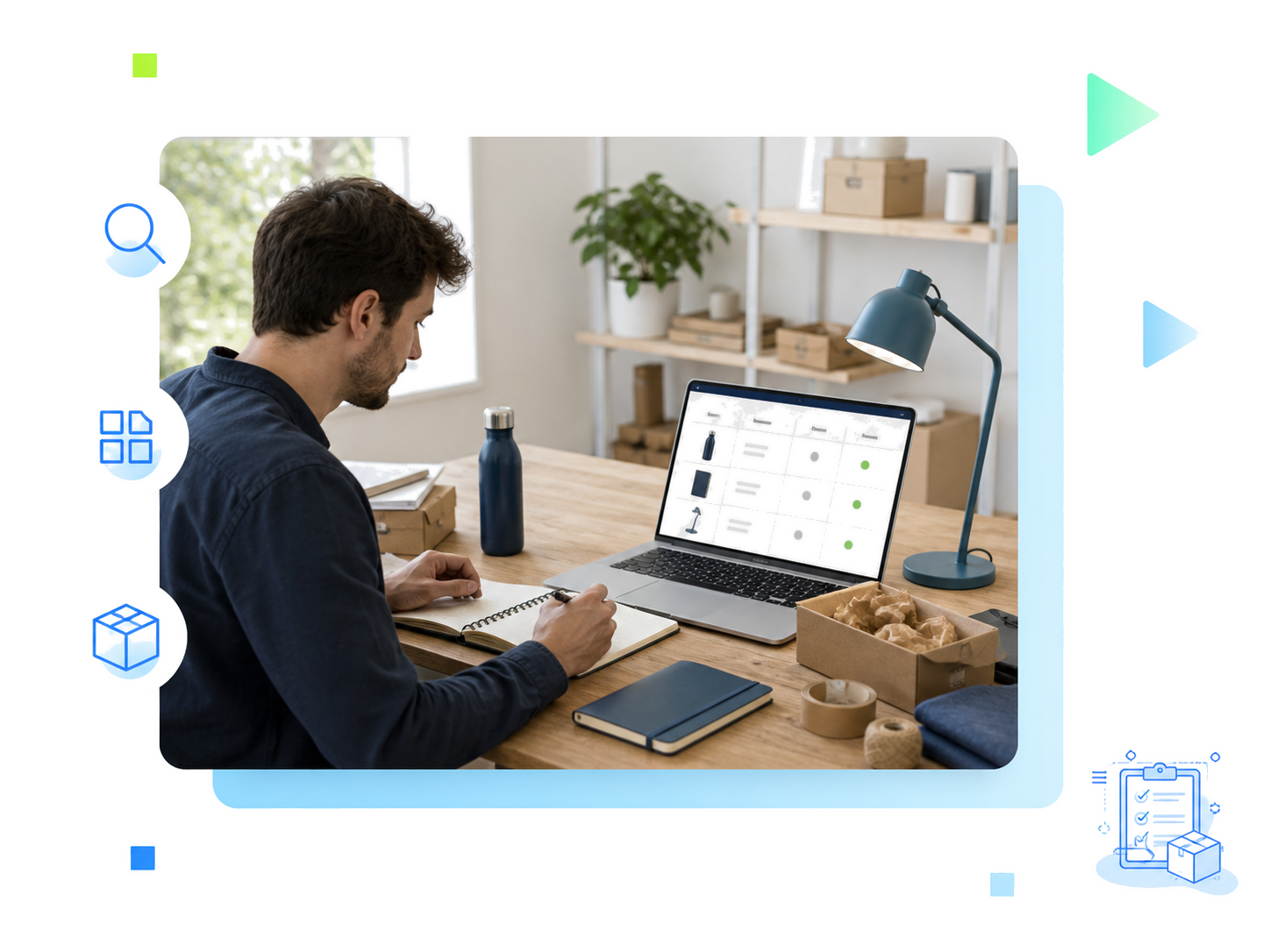
An online shop benefits from meeting a specific need rather than offering a catalogue without direction. Your target audience, product usage and the solutions already present on the market help to define your difference. A limited selection may be enough to test buyer interest. Each item must have a role: to meet the main need, complete a purchase or offer an alternative. Questions received, additions to the basket and initial orders provide information to adjust the offer. The presentation must explain what you are selling, to whom and with what concrete benefits, without promising unverified results.
The catalogue must follow the way customers search for products. Explicit categories, useful filters and short navigation avoid multiplying the steps before purchase. Each product sheet brings together the name, features, price, variants, availability and delivery information. Dimensions, composition or compatibility complete the description when these elements help with choosing. Faithful photos and a consistent presentation make the items comparable. A common organisation of data also simplifies the addition of products and updates to stock, prices or seasonal offers.
WordPress with WooCommerce and PrestaShop are two popular open source platforms for creating an e-commerce site. The choice depends on your skills, the size of the catalogue, the expected features and the maintenance you can provide. Payments and logistics connections may require extensions or third-party services. Before opening, test the basket, confirmation emails, security and backups. Also check the legal status, terms of sale, legal notices and data protection according to the countries served. The relevant official bodies can specify the procedures applicable to your business.
An online shop benefits from meeting a specific need rather than offering a catalogue without direction. Your target audience, product usage and the solutions already present on the market help to define your difference. A limited selection may be enough to test buyer interest. Each item must have a role: to meet the main need, complete a purchase or offer an alternative. Questions received, additions to the basket and initial orders provide information to adjust the offer. The presentation must explain what you are selling, to whom and with what concrete benefits, without promising unverified results.
Host your shop on a secure foundation
Each OVHcloud web hosting plan includes the essentials for managing an e-commerce site.
Security included
Free SSL certificate, anti-DDoS protection, antivirus and antispam to protect your shop and your customers' data.
Backups and availability
Automatic backups and observed availability of 99.9% to keep your shop open.

1-click e-commerce CMS
Install WordPress in 1 click (PrestaShop from the Pro plan), then manage files, databases and emails from a single interface.
Frequently asked questions about creating an online store
What steps should I follow to create an online shop?
What steps should I follow to create an online shop?
The first step consists of defining the products, the target audience and the budget. Next come the choice of domain name, web hosting and the e-commerce platform. The catalogue, payment methods, delivery and legal information must be prepared before opening. A test order on a computer and mobile allows you to check the journey. Promotion and sales monitoring then accompany the launch.
WooCommerce or PrestaShop: which platform should I choose?
WooCommerce or PrestaShop: which platform should I choose?
The choice depends on the number of products, your skills and the expected functions. WordPress (with WooCommerce) and PrestaShop are options to compare according to catalogue management, extensions, payments and customisation. The total cost also includes hosting, maintenance and additional services. Documentation, the help centre and support from an agency or a developer can facilitate getting started.
Can you create an online store for free?
Can you create an online store for free?
A free tool or a free trial can reduce the creation budget, without covering all costs. The domain name, hosting or monthly subscription, extensions and transaction fees must be taken into account. Added to this are products, storage, packaging, delivery and returns. Comparing launch costs and recurring expenses helps to choose a suitable solution and to estimate the margin available per order.
Which web hosting package is best for an online store?
Which web hosting package is best for an online store?
Everything depends on the size of the catalogue, the expected traffic and the platform used. A small WordPress store with WooCommerce can start on a shared hosting package. A larger catalogue or a PrestaShop store requires more resources: PrestaShop is available as a 1-click module from the Pro package onwards. All packages include free SSL and automatic backups, and you can upgrade to a higher package when your store grows.
Which payment methods should be offered on an online store?
Which payment methods should be offered on an online store?
Payment methods must correspond to customer habits and the countries served: bank card and other options supported by the chosen provider. Compatibility with the platform, transaction fees, refunds and security must be checked. A test order allows you to check the online payment, the recording of the purchase and the sending of the confirmation, without assuming that everything is included in the hosting.
How to promote your online store after its creation?
How to promote your online store after its creation?
Original product descriptions, clear categories and useful content support search engine optimisation. Social media relays new products and demonstrations; paid campaigns can supplement this visibility with a defined budget. Tracking traffic, additions to the basket, orders and the average basket value helps to compare channels. Turnover must be compared with costs to evaluate the results.