Website for a nonprofit
Create a website for a nonprofit organisation with OVHcloud

Create a website to showcase the actions of your nonprofit organisation
MembershipMember’s areaOnline donations
Creating a website for a nonprofit organisation is an excellent way to share your missions, your actions and your events on a website that belongs to you. The homepage needs to quickly guide members, volunteers, donors and partners towards useful information, such as membership info, online donations, calendar, news and a contact form. A clear domain name strengthens the project’s identity. A well-structured website for a nonprofit organisation also boosts search engine optimisation and allows you to reach a wider audience. WordPress or another CMS can then simplify the content management and development of your nonprofit’s website.

Useful services for your nonprofit website
An all-in-one plan
Grouping your domain name, hosting plan, emails and CMS together simplifies the day-to-day management of your nonprofit organisation’s website.
Combined web services
Structure your online presence with generous disk space, emails and a domain name.
Features adapted to your needs
Add forms, memberships, events or links to donation services via the CMS and with modules adapted to your needs.
Bring your content to life with WordPress or another CMS
WordPressCMSSEO
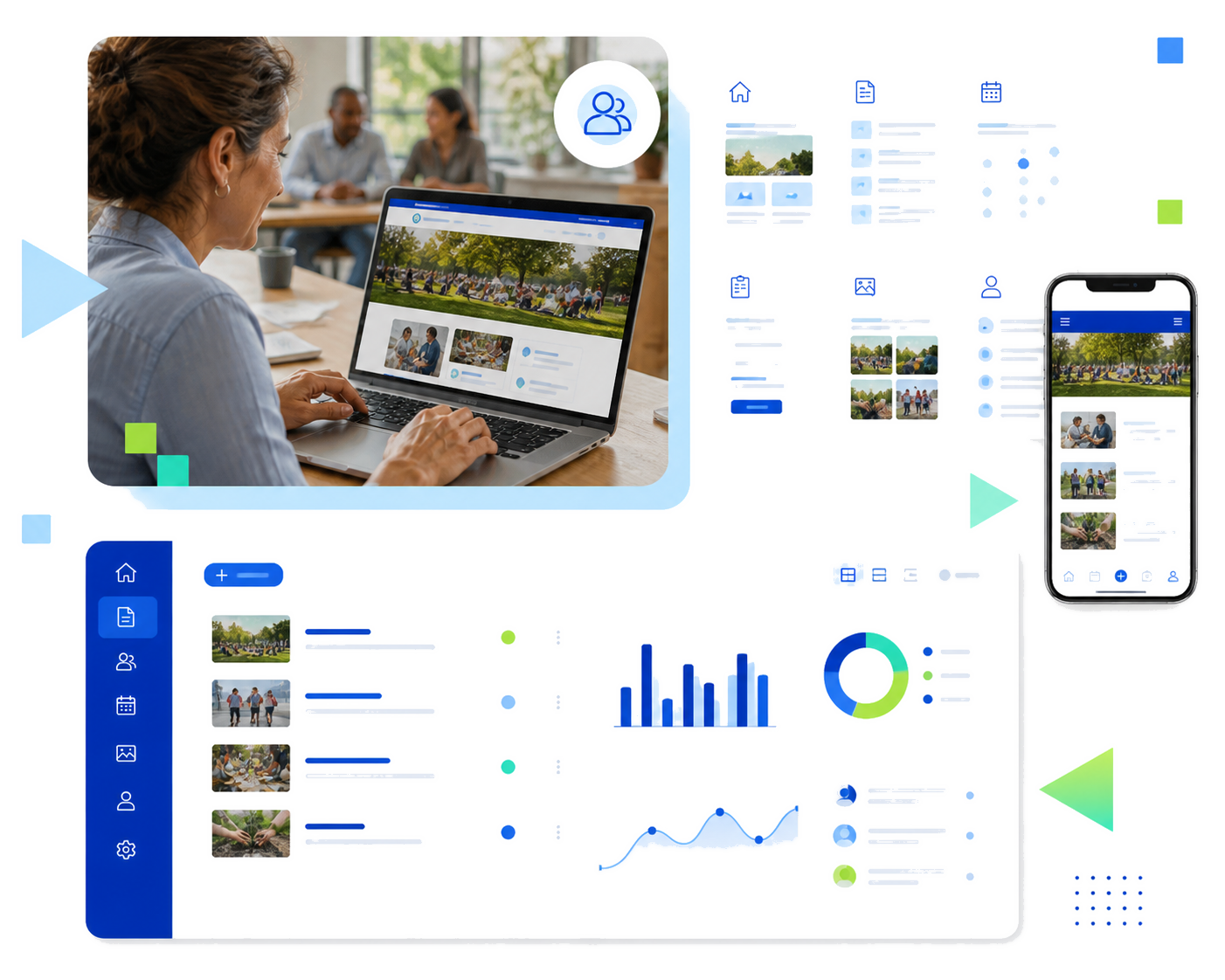
Creating a website for a nonprofit does not mean you have to build each page manually. A website built with WordPress or another 1-click CMS allows you to manage content, members, news and events from a central interface. Choosing a customisable theme with clear mobile navigation and a suitable structure will make launching your website easier. With extensions or plugins, you can can add a contact form, a newsletter, a gallery, a members’ area or links to an online donation service. Checking updates, security, documentation and the help centre before installing each module helps keep your non-profit website reliable and easy to develop.
Build a clear web identity and protect exchanges
Domain nameAnti-DDoSSSL
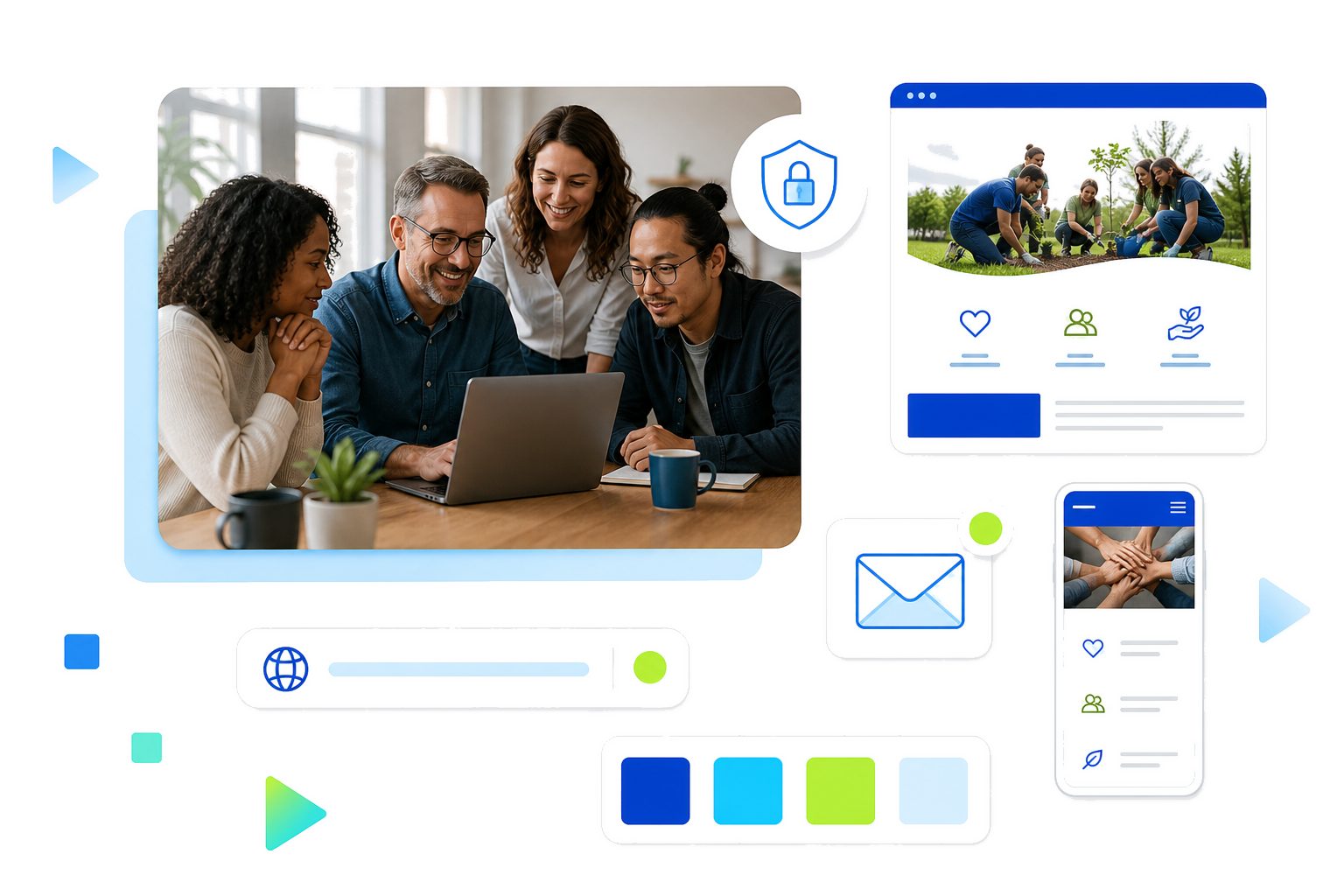
Choosing a short and memorable domain name makes your nonprofit organisation easier to remember. Using the same address across your website, emails, documents and social media pages strengthens the consistency of your online presence. A simple graphics charter, a legible colour scheme and a responsive design all improve mobile access. The SSL certificate helps protect exchanged data, while anti-DDoS protection keeps your hosting plan online. For a sports, humanitarian or local organisation, this base allows you to present your activities, partners and contact methods in a consistent and professional environment.
Sharing and promoting your nonprofit actions requires a clear and accessible website that gets regularly updated. Presenting projects, results, events, partners and public documents helps the visitor understand the organisation’s mission. A photo gallery can illustrate your activities, if licensing rights are followed. A blog or articles also allow you to share news, boost search engine optimisation and reach a wider audience. Creating some editorial guidelines, accepted formats and publishing responsibilities will facilitate your content management, so that your humanitarian, sports or local organisation can build a consistent digital presence without too many different tools.
Attracting members and volunteers becomes simpler when your organisation’s website has its events, signup page, calls for participation, forms and useful resources in a central place. A members’ area can restrict certain documents to authorised persons. Contact lists and personal data must only be accessible by certain accounts. Links to an online donation service, a ticketing system or online payment can complete the funnel, if these actions are needed. Keep your nonprofit website practical for members, volunteers and new members by checking mobile readability, forms and access rights.
Protecting and maintaining the service involves integrating updates, backups, security and access control. Your SSL certificate encrypts exchanges transmitted via forms, while anti-DDoS protection helps keep your website available. Backup and restore tasks will cover your files and databases for the duration of your plan. Regularly testing links, forms and the mobile display will help to identify any issues. If the site was created by an external provider, checking administrative access, transfer conditions and content recovery facilitates the progress of your project.
Sharing and promoting your nonprofit actions requires a clear and accessible website that gets regularly updated. Presenting projects, results, events, partners and public documents helps the visitor understand the organisation’s mission. A photo gallery can illustrate your activities, if licensing rights are followed. A blog or articles also allow you to share news, boost search engine optimisation and reach a wider audience. Creating some editorial guidelines, accepted formats and publishing responsibilities will facilitate your content management, so that your humanitarian, sports or local organisation can build a consistent digital presence without too many different tools.
The essential services for your nonprofit website
A simple foundation to share your actions, communicate and grow your organisation
100 GB SSD and automatic backups
To host your pages, news, photos and documents while saving copies of your website.

Domain and e-mail addresses
A domain name included for the first year and e-mail addresses for your organisation’s messages.
1-click CMS and integrated security
WordPress, Joomla!, Drupal or PrestaShop with SSL, anti-DDoS, antivirus, antispam and automatic backups.
Frequently asked questions about creating a nonprofit organisation website
How much is a website for a nonprofit organisation and can it be free?
How much is a website for a nonprofit organisation and can it be free?
The cost depends on the hosting, domain name, theme, extensions and third-party services. A free website for a nonprofit organisation can be used to test some ideas out, but it is often limited in customisation options, storage space or functionality. Comparing launch fees, renewals and potential online payment costs allows you to establish a realistic budget without accumulating unnecessary subscriptions.
Which web tools or templates should I choose for a club or a nonprofit organisation?
Which web tools or templates should I choose for a club or a nonprofit organisation?
The choice depends on your web editing skills and the functions you want. A CMS like WordPress facilitates content management and makes creating forms, news and pages easier. Open source software may be suitable if you want more control. Checking customisation, support, the help centre, updates, access rights and mobile compatibility options will all help you to select a sustainable tool for your club or a nonprofit.
Why should I use a business email account?
Why should I use a business email account?
A business email account linked to the domain name makes it easier to identify emails from the organisation. Separate inboxes can be used for general contact, the treasury, memberships or communications. This structure limits the use of personal addresses and facilitates continuity when roles change within the organisation.
How do I manage registrations and donations with a third-party service?
How do I manage registrations and donations with a third-party service?
Online registrations and donations can be managed via a link, a button or a module connected to a specialised third-party service. Before integration, look into what data is collected, the provider’s terms and conditions, and the payment and support arrangements. Clearly explaining the redirection allows users to understand which service is receiving their information and processing the transaction.
What steps should I follow to create a nonprofit website?
What steps should I follow to create a nonprofit website?
Start by setting out your objectives, your audience and the features you want. Then prepare a specification document, choose the domain name, web hosting plan and the CMS, then build the key pages: home, missions, actions, news, membership and contact. Adding forms, testing the site on mobile and checking access before going live helps to make your website launch secure.
How do I improve the visibility of a nonprofit organisation website?
How do I improve the visibility of a nonprofit organisation website?
Improving visibility involves creating useful content, clear titles, internal links and regularly updated pages. Utilising search engine optimisation, search engines, social media and relevant directories helps you to reach a wider audience. Tracking traffic, forms, memberships and donations then makes it possible to identify your most effective content and channels.