CMS comparison: choosing the best open source CMS for your project
This open source CMS comparison helps you choose the platform suited to your project, without assuming that the best-known tool is the obvious choice. Showcase site, blog, professional site or e-commerce site: a free CMS also implies hosting, customisation and maintenance. The right choice intersects technical level, objectives, SEO needs and the ability to keep the site alive.

Understanding what a CMS brings to web creation
Laying the foundations of the CMS
A content management system (CMS) is software that allows you to create, modify, organise and publish content without coding each screen manually. This system separates the visible part of the site, consulted by internet users, from the administration interface reserved for the editorial team. Each authorised user manages texts, images, menus, sections, accounts and settings from a single dashboard. Most of the most widespread CMS are open source: their source code is public, modifiable and maintained by a community of developers.
Centralising content management
With a CMS, you create a site, publish a presentation of the business, feed a blog or structure a news section. You add media, assign roles to several people and prepare publications before they go live. This centralised management avoids manipulating the code for every change, which constitutes its primary advantage on a daily basis. Businesses, freelancers, associations and creators thus keep control over their internet presence, without depending on a developer for every update.
Comparing freedom and simplicity
The CMS comparison takes on its full meaning here, because the platforms on the market offer neither the same freedom nor the same simplicity. Some favour rapid editing and visual layout, others structure, access rights or connections with external services. Plugins then play an essential role in the actual use of the chosen solution. They add forms, galleries, translation, security, member areas or statistics, without starting from scratch. A large number of features can thus be installed in a few clicks from the administration interface.
Mastering technical additions
This extensibility, however, requires method and a good knowledge of the features already present. Too many additions complicate maintenance, slow down administration or create incompatibilities during updates. It is therefore necessary to reason in terms of real usage: which texts to publish, which people are involved, which data to track and which conversions to measure. This preliminary reflection then serves as a framework for comparing the solutions presented in this guide.
WordPress: the generalist reference to be evaluated with method
Understanding the appeal of WordPress
Once the role of a CMS is understood, WordPress often appears as the first name mentioned by internet users. This solution is attractive due to its accessible interface, quick installation and vast choice of free themes. For a blog, a showcase site, a portfolio or an editorial medium, it offers a good balance between autonomy and functional richness. A user without programming skills publishes articles, organises menus and modifies the design with a gradual learning curve. To create a website quickly, it is often the most accessible starting point.
Evaluating its ecosystem of extensions
In a CMS comparison, WordPress rarely stands out by chance, as its community and documentation facilitate site creation. Its ecosystem of plugins covers forms, image optimisation, security, translation, statistics, appointment booking or connection to third-party services. This abundance makes it possible to develop a site without immediately changing the environment. A presentation site can later host a resource area, a newsletter, private access or a sales activity.
Nuancing the notion of the best CMS
However, the expression "best CMS", often used without reference to a specific context, needs to be qualified. WordPress is not automatically the most relevant choice for every company. Its quality depends on the selected theme, the installed plugins, the updates carried out and the general configuration. A stack of poorly chosen extensions makes administration confusing, slows down display or complicates future developments. A regular audit of active plugins avoids accumulating components that are useless or abandoned by their authors.
Identify relevant uses
For standard sites, WordPress remains relevant when you are looking for a solution that is readable, documented and widely mastered by service providers. It is suitable for organisations that publish regularly, test editorial formats and customise their site without bespoke development. It also supports more significant ambitions, provided that the selected features remain consistent with the initial architecture. Well configured, it covers the majority of a professional site's needs.
Three CMS profiles to bring the tool closer to the need
Editorial simplicity for showcase sites
This profile is suitable for sites that publish pages, articles, images and a few forms. The objective is to quickly create a reliable medium, easy to administer, with clear menus. It meets the needs of a showcase site, a blog or a small business that manages its updates without regular development.
Team management and organisation of roles
Joomla! often occupies an intermediate position. It is suitable for sites that require more structure than a simple blog, with multi-user management, roles and permissions. This approach is of interest to associations, local authorities, editorial teams or companies where several people administer the same space.
Scalable architecture for sustainable projects
A site can start with a few pages, then integrate sections, accounts, workflows, advanced forms or conditional publications. The CMS must therefore remain understandable while accepting a more robust architecture. The right choice is not the simplest at the start, but the one that supports the planned growth.
Drupal: an answer for complex and structured projects
A site does not always require the same level of architecture. Drupal enters the CMS comparison when the site requires advanced content modelling, advanced rights or business connections. It is aimed at teams supported by developers, who are prepared to accept a longer design time.
Advanced customisation
Drupal builds detailed content types, specific views and editorial paths unique to the organisation. It is suitable for portals, intranets and extensive institutional sites. The trade-off: demanding configuration and specialised skills, therefore a higher cost.
Structured organic SEO
Drupal helps to finely organise pages, taxonomies, URLs and display templates. For a rich site, this granularity facilitates a coherent editorial strategy and controlled internal linking. It does not replace the quality of the texts, but provides a solid foundation for linking information.
Large-scale content management
When a company publishes a lot, manages several languages or distributes rights between departments, Drupal provides a robust logic. Each person receives precise permissions and teams plan validation stages before any publication.
Connections with internal tools
An advanced site must sometimes exchange with a CRM, a directory, a business database or other internal services. Drupal offers integration possibilities adapted to this type of application environment, without online sales being its preferred field.
Joomla!: the balance between power and accessibility
Positioning Joomla! between the two extremes
Between the simplicity of WordPress and the demanding nature of Drupal, Joomla! has long occupied an assumed intermediate position. This open source solution natively offers features that others require via additional plugins. It is of interest to structures that want to go beyond a showcase site without embarking on a heavy project. The CMS comparison is worth examining, as its positioning meets real needs poorly covered elsewhere, particularly for organisations that want a complete platform from installation.
Take advantage of native functions
Joomla! natively integrates multilingual management, a notable asset for a company that addresses several markets. The permissions system makes fine distinctions between user groups, access levels and editorial roles. This granularity avoids stacking extensions to obtain functionality that is, however, common. You thus reduce the number of components to maintain, which simplifies security and updates. For a professional multilingual site, this native foundation represents a significant time saving.
Identify relevant projects
Joomla! is suitable for association portals, medium-sized institutional sites and organisations with several hierarchical levels. It also serves multilingual sites that refuse the complexity and cost of a bespoke architecture. Its community remains, however, more restricted than that of WordPress, which limits the choice of themes and extensions. Therefore, check beforehand that those your business needs exist and are actively maintained.
Accept a longer learning curve
The administration interface requires more learning time than that of a mainstream CMS. The distinction between components, modules and plugins often confuses beginners during their first manipulations. This logic becomes coherent once understood, but it lengthens the start-up phase. Therefore, plan for short training, or the support of an agency, if your team is discovering the environment.
Four possible paths for selling online with a CMS
Specialised e-commerce solution
A dedicated solution is suitable when the catalogue, orders and business rules are at the centre of the site. It facilitates the management of products, carriers, taxes, promotions and payment methods, with a logic designed for daily sales.
Extension of an existing CMS
Adding a merchant extension to an already established CMS may be sufficient for selling a few products, training courses or downloadable files. This approach limits the change of environment, but requires monitoring compatibility, updates and added load.
Advanced e-commerce architecture
Ambitious shops, with extensive customisation, multi-shop capabilities, high volumes and complex processes, require a high level of expertise. They require a team capable of designing, maintaining and evolving a demanding architecture.
Very simple start-up
Some sites seek a quick launch, with few settings and a turnkey offer. A small CMS is suitable for testing an idea, validating a market or presenting a limited offer. It quickly shows its limitations when customisation becomes a priority.
PrestaShop, WooCommerce: linking an online shop and a technical foundation
PrestaShop, a CMS designed for selling
PrestaShop stands out for its native commercial orientation: catalogue, variations, stock, orders, carriers, taxes, promotions and pricing rules. It is suitable when the shop constitutes the heart of the activity, to manage a substantial catalogue, handle discounts or adapt the checkout process.
WooCommerce in an existing CMS
WooCommerce transforms an editorial environment into a shop without completely changing platform. This option is suitable if your site already publishes regularly and adds targeted sales. You keep your habits and your design, as long as products and orders progress at a moderate pace.
Structuring complex shops
Using an agency can be wise in the case of an advanced visual identity, specific delivery rules, connection to a point-of-sale system or a complex catalogue. A specialised team structures the framework, limits unnecessary modules and secures the purchasing journey.
The foundation to check
A CMS is also judged by its themes, plugins, updates and compatibility. Hosting must keep pace with traffic, the number of products and the criticality of orders. An undersized server slows down page loading, degrades SEO and weakens the checkout process.
Evaluating the real cost of the system
The price of a free solution is never limited to the cost of the licence, which is often zero. You must add up hosting, domain name, certificate, paid components and maintenance time, without forgetting bank commissions and any potential development work.
Connecting the shop to business tools
A shop rarely exists in isolation: product and customer data flow to other software. Connecting to a CRM or commercial management system automates tracking, with fewer manual entries, better targeted follow-ups and reliable statistics.
Choosing web hosting according to the CMS and the site's ambition
Sizing the technical foundation
Once the functional choice has been made, hosting becomes a very concrete success factor. A lightweight CMS for a showcase site does not require the same resources as a shop with several hundred references, subject to promotions, traffic spikes and simultaneous processing. The chosen foundation influences the display, the stability of the administration, backups, security and the ability to absorb campaigns. Also check the compatibility of the offer with the PHP and MySQL versions required by your CMS.
Adapting the offer to traffic and anticipating the increase in load
For a simple site, shared hosting is sufficient if traffic remains moderate and there are few plugins. For a shop, a multilingual site or a media-rich space, you must aim for a more scalable offer, with more resources and control. Demanding sites require an environment capable of absorbing heavy processing: a dedicated server or a cloud infrastructure supports this increase in load without a complete overhaul. It is better to provide a margin than to discover the limit during a commercial operation.
Seeking overall consistency
The search for the "best open source CMS" often hides a confusion. The right choice is not limited to the most recommended CMS: it corresponds to a coherent set of software, maintenance, security, backups, performance and support. Marketing also depends on this foundation. A campaign or a newsletter can generate a sudden influx of visits, and if the site slows down at that moment, acquisition efforts lose effectiveness.
Planning for support and maintenance
Support is part of the service provided, even when the solution is free and widely documented. A team that can be reached quickly limits the impact of a breakdown, a vulnerability or a faulty update. This criterion carries even more weight if your business depends on the site for its sales or contact enquiries. Therefore, compare the availability commitments, response times and the actual cost of each level of support.
The CMS facilitates SEO, it does not replace it
After infrastructure, SEO becomes a lasting selection criterion, which is often underestimated. A CMS helps manage URLs, titles, descriptions, images and internal linking, and facilitates regular publication. But no platform alone guarantees a lasting position in search engines. The chosen solution must allow for modifying essential tags, avoiding duplicates and creating redirects: this flexibility counts for more than the number of SEO extensions. Also connect your site to analysis tools from the very first day. This data reveals the pages that attract, the queries that convert and those that drive internet users away. The CMS provides the framework, but it is your editorial strategy that transforms it into real support.
Think about the responsive site from the moment you choose the theme
A responsive site adapts its display to phones, tablets and computers, with comfortable reading and accessible buttons. This requirement concerns every CMS, because a large part of visits comes from a small screen. WordPress offers numerous mobile-ready themes, of varying quality depending on the authors. Joomla! offers adaptive templates, with more settings to master. Drupal allows for a very precise layout, at the cost of more advanced intervention. An attractive theme in a demonstration does not always behave as well with your actual texts: test it on several devices, with your final images and forms. This check takes an hour and avoids a costly redesign a few months after launch.
Moving from choosing the CMS to going live
Depending on your autonomy, you install your CMS yourself, delegate certain steps or entrust the whole thing to an agency. The right level of support depends on the time available, internal skills and the stakes.

Launch a simple showcase site
Start with a theme consistent with your identity, configure the essential sections and define access for everyone. The budget remains contained, because the bulk of the work focuses on configuration rather than development.
Deploy an e-commerce CMS
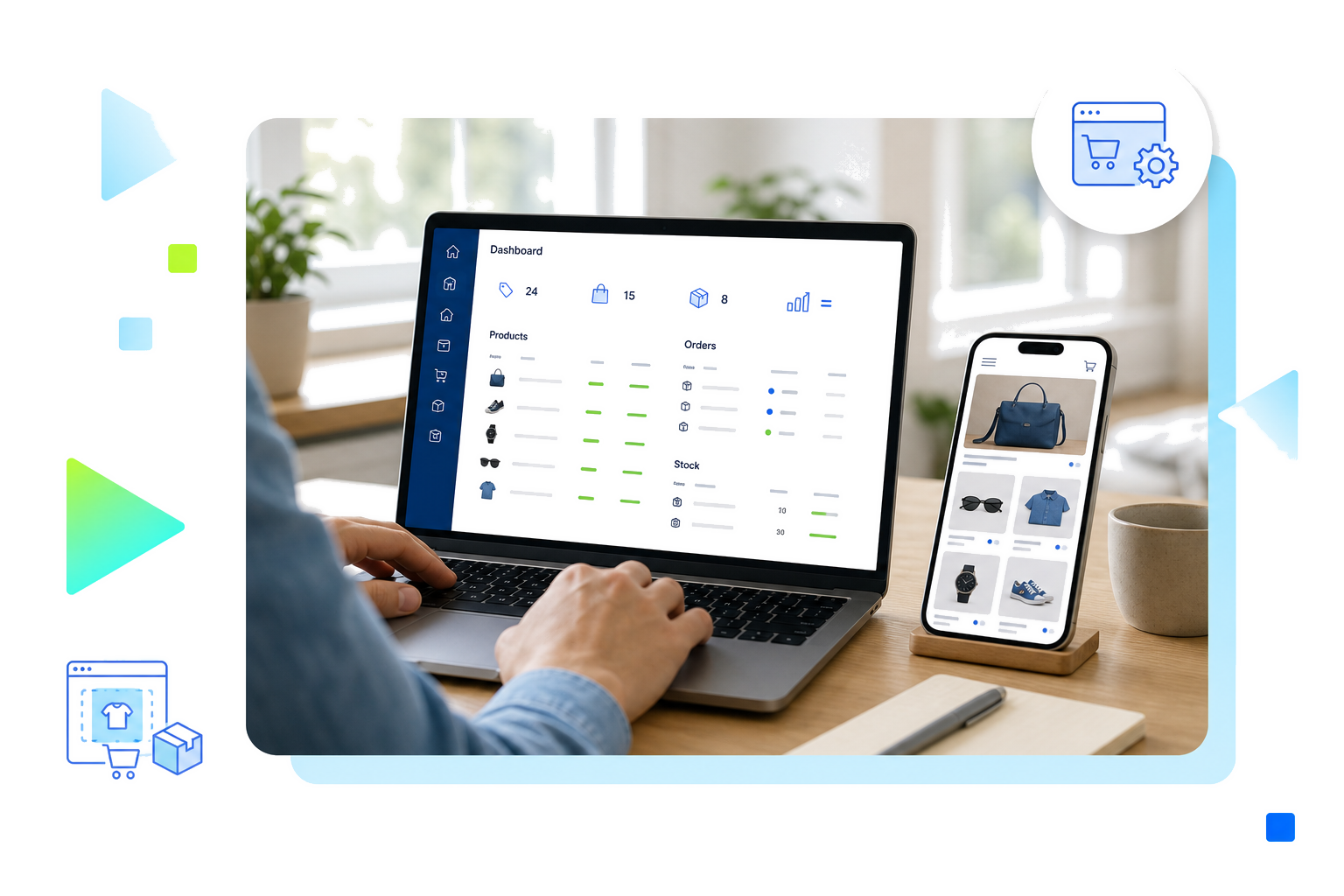
A shop requires a catalogue, payment methods, delivery, taxes, transactional emails and terms of sale. Test the entire purchasing journey and check transaction security before the launch.
Taking over or migrating an existing site
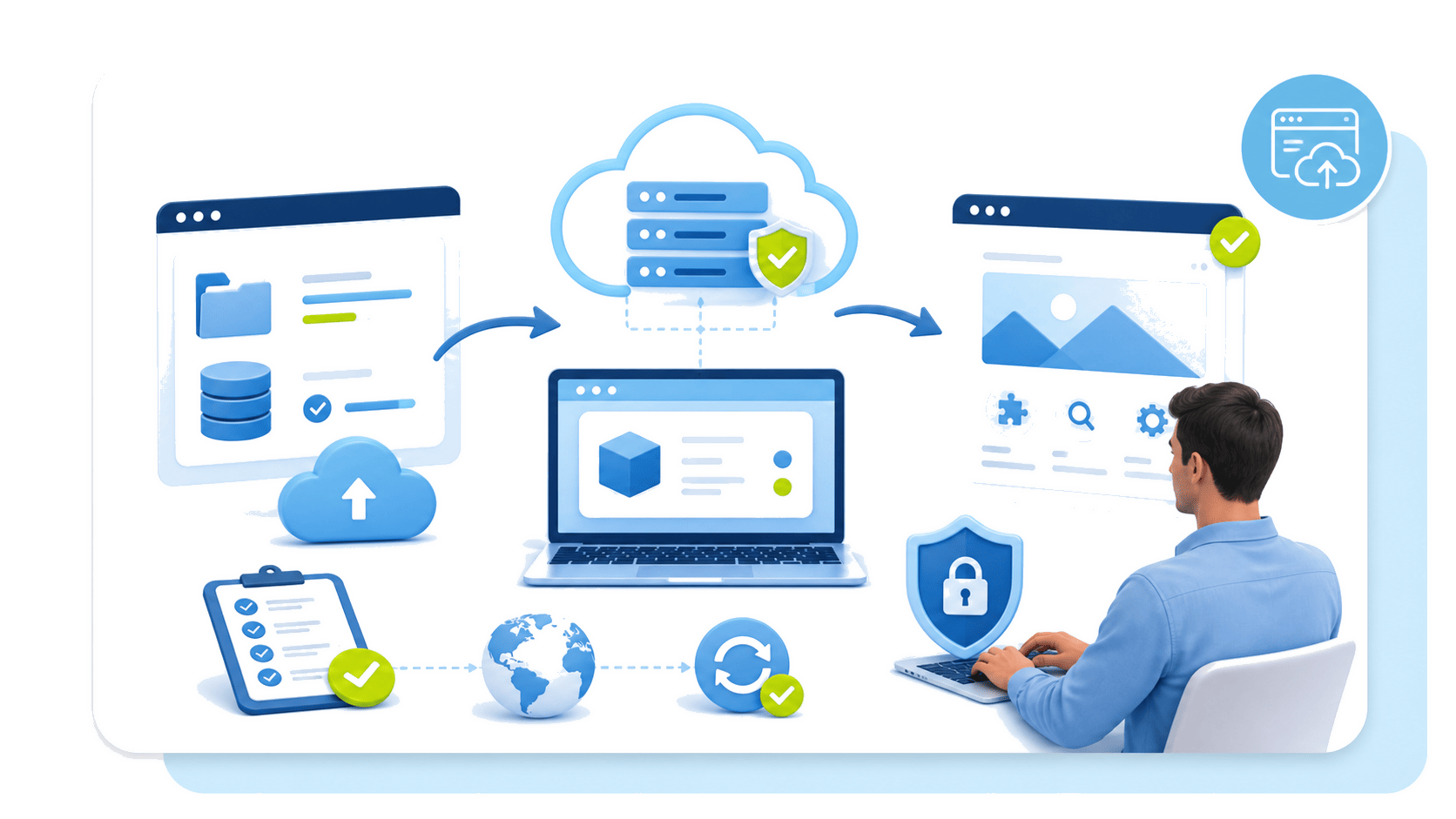
Audit pages, URLs, media and active plugins, then plan a precise redirection plan to preserve your visibility. Test the migration in a separate environment before switching the traffic.
Which CMS should you choose for your project?
Choosing a CMS is less about designating a winner than aligning a platform with a need. WordPress is suitable for editorial and showcase sites that want to publish quickly, Joomla! for multilingual structures or those with several levels of permissions, Drupal for complex sites accompanied by developers, and PrestaShop or WooCommerce for e-commerce sites. Like a bespoke garment, the right CMS is one that adjusts to your level of expertise, your actual budget and your ambitions. Once this choice is made, hosting, SEO and the mobile experience determine the success of the site over time.